

Response Example
Display Ideas
Points Summary
- Total Points: Highlight the total points balance and its equivalent monetary value
- Available Points: Show points available for immediate use
- Pending Points: Display points pending approval, along with their value
Call-to-Action
Emphasize available points and their redemption potential (e.g., “Redeem 1200 points to save $60!”)
Expiring Points Alert
Use
nextExpiringPointsAmount, nextExpiringPointsValue, and nextExpiringPointsDate to warn customers about upcoming expiry and motivate them to redeem before losing points.Progress Indicator
Show a progress bar or similar visual element to indicate pending or expiring points relative to the total
The Get Customer Balance API does not include a field for total points redeemed. To view a customer’s redemption history, use the Customer Activity Log in the dashboard or export redemption data from Analytics (which includes a
redeemed_points column).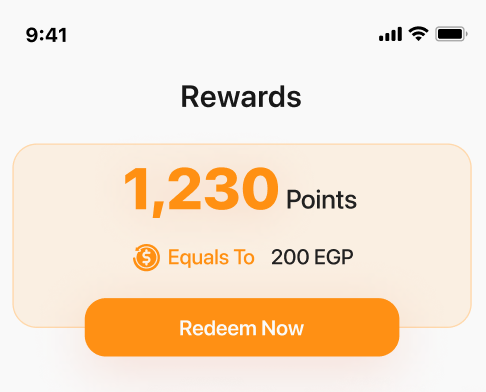
Related Resources
Get Customer Balance API
Retrieve customer balance including available and pending points
Build Your Own UI
Back to Build Your Own UI overview